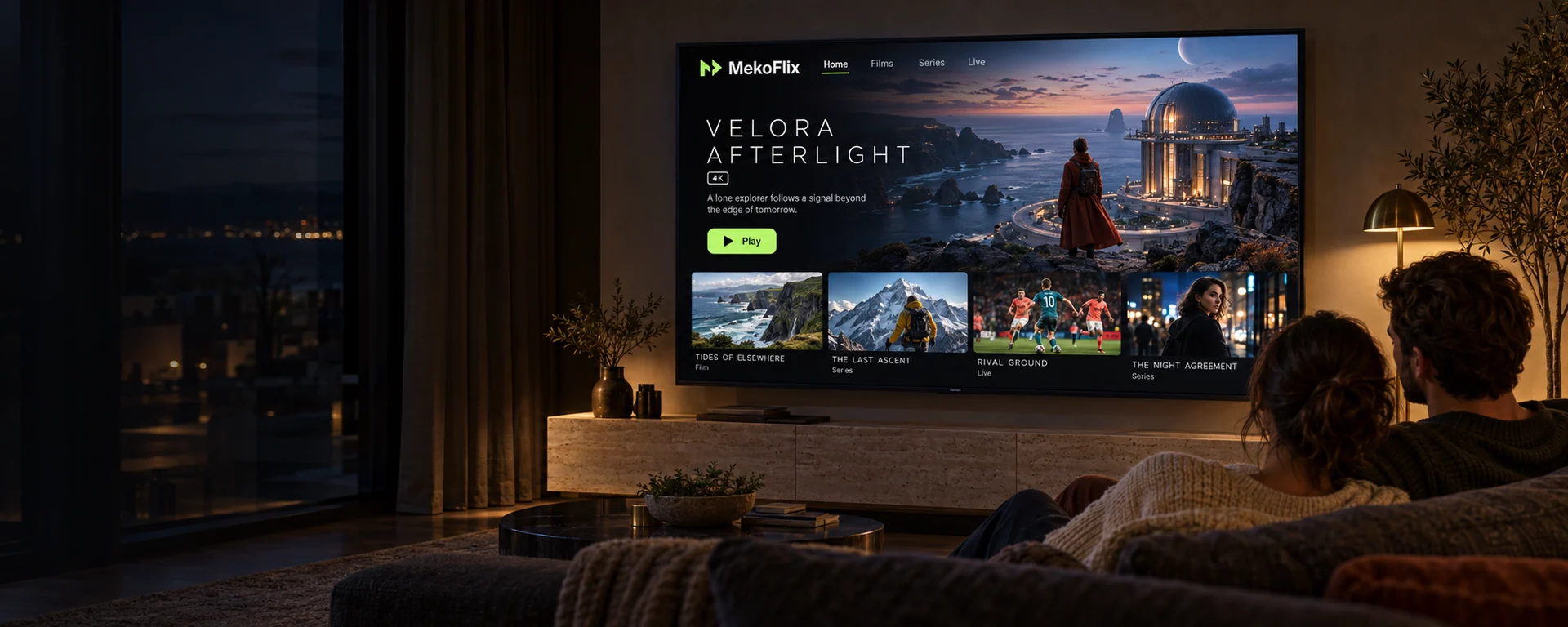
Pick a subscription that fits the way your household actually watches. MekoFlix gives you one set of account details, four subscription lengths and up to five simultaneous connections, working through player apps you install on the televisions, phones and computers you already own.
Plans from 1 to 12 months · 1 to 5 connections · Prices shown as totals in USD
Four subscription lengthsOne to five connectionsSetup guides per device
What MekoFlix is
An IPTV subscription, explained before you buy
IPTV means television delivered over your internet connection instead of an aerial, a satellite dish or a cable box. A MekoFlix subscription is the access side of that arrangement: a set of credentials you enter once into a player app, which then fills with live channels and an on-demand library.
Two decisions shape what you need. The first is how long the subscription should run — one, three, six or twelve months. The second is how many screens have to play at the same time, which is what the plans below call connections. Everything else, including which player app suits your device, is covered by the setup guides.
Before ordering, it is worth checking three things: that your device can install a compatible player, that your connection has headroom for the number of streams you intend to run at once, and that the categories you care about are ones we can genuinely offer. A two-minute conversation on WhatsApp beforehand saves far more time than a complaint afterwards.
No set-top box to buy and nothing to install on your router
The same account details work on every device you own
Written instructions for each platform, plus help on WhatsApp
One subscription, running in a player app on a laptop and a phone at the same time.
Subscription plans
MekoFlix pricing for one to five connections
Choose how long you want the subscription to run, then choose how many screens need to play at once. Every price below is the total for the whole period in US dollars, not a monthly charge.
How many connections? That is how many screens can play at the same time.
Prices for this number of connections are indicative. Our team confirms the final amount with you on WhatsApp before any order is completed.
Lowest monthly equivalent
1 Month
1 Connection
$15USD
Price to confirm
Total for the full 1 month period
≈ $15.00 per month equivalent
Opens WhatsApp with this plan already written into the message. Nothing is charged until you confirm the order with our team.
All amounts are totals in USD for the whole subscription period, not recurring monthly charges. A connection is one stream playing at a time; you can install your player on as many devices as you like.
Six straightforward reasons, with no performance guarantees we cannot stand behind.
Works with the devices you own
Televisions, streaming sticks, phones, tablets and computers all use the same subscription through a compatible player, so there is no hardware to buy.
Four durations, five connection tiers
Twenty combinations in total, each priced as a single clear total rather than a monthly figure that hides the real cost.
Setup instructions written per device
Each guide follows the actual screens on that platform instead of a generic walkthrough, including the fields that commonly get mistyped.
A real person on WhatsApp
Questions before you order and help afterwards reach the same MekoFlix team, with no ticket number and no account required to ask.
Quality options, explained honestly
Playback quality depends on the source, your device and your connection. We tell you what affects it rather than promising a resolution on every stream.
Straightforward plan selection
Choose a duration, choose a connection count, see the total. No bundles to decode and no price revealed only at checkout.
Channels & content
What you can watch
MekoFlix sorts live television and on-demand titles into categories you browse inside your player, so finding something takes a few clicks rather than a search through one long list.
Movies
Feature films across the on-demand library, browsable by genre inside your player.
Series
Episodic drama and comedy, organised by season so you can pick up where you left off.
Live TV
Live channels arranged into categories, with a programme guide when your player supports one.
Sport
Live sport categories and event channels, subject to what is available in your region.
News
International and regional news channels in English and other languages.
Documentaries
Factual programming, nature and history, including higher-resolution streams where offered.
Velora AfterlightFiction · Original visualTidemark AtlasNature · Original visualCobalt CircuitSport · Original visual
The three pieces above are original artwork created for the MekoFlix brand. They illustrate the style of the categories listed here; they are not real titles and they are not a statement about which specific programmes any subscription includes. Availability differs by region and changes over time — ask us what is currently offered before you order.
If a device can install a compatible IPTV player, it can run MekoFlix. These are the platforms our setup guides cover, each written against the actual screens on that device.
Ordering from MekoFlix is a short conversation rather than a checkout maze. You will know the final price before anything is charged.
01
Choose your subscription duration
Pick 1, 3, 6 or 12 months. Longer periods lower the monthly equivalent, and the total for the whole period is shown on every card.
02
Select the number of connections
Count the screens that need to play at the same time. The prices update as soon as you change the selection.
03
Send your order on WhatsApp
The plan button opens a message that already contains your duration and connection count, so there is nothing to type out.
04
Confirm the details with our team
We confirm the final price and the payment options available to you before anything is charged.
05
Receive your details and set up your player
Your account details arrive with a link to the guide for your device. Enter them into a compatible player and you are watching.
Once your details are in the player, the remote is the only thing left to pick up.
Streaming experience
Quality, bandwidth and what actually affects playback
MekoFlix streams are delivered at a range of resolutions, and the picture you get on a given channel depends on three things working together rather than on the subscription alone.
Standard definition
Around 3–5 Mbps per stream. Comfortable on almost any modern connection, and a useful fallback on mobile data.
High definition
Roughly 10–15 Mbps per stream. This is where most live television sits, and where Wi-Fi quality starts to matter.
Higher resolutions
Allow 25 Mbps or more per stream where 4K content is offered, and prefer a wired connection or 5 GHz Wi-Fi close to the router.
The three factors, in plain terms
The source decides the maximum: a channel broadcast in standard definition does not become sharper on a 4K television. Your device decides whether that maximum can be decoded smoothly, which is why older hardware sometimes stutters on streams a newer box handles easily. Your network decides whether it arrives without interruption, and that figure has to cover every connection playing at once.
No honest IPTV service can promise a fixed resolution on every channel, and MekoFlix does not. What we will do is tell you what to expect for your devices and your connection before you subscribe, rather than after.
Illustrative image. It represents our support desk rather than a specific member of staff.
Customer support
Talk to MekoFlix on WhatsApp
Questions before you order and help afterwards go to the same place. There is no ticket number, no account to create before you can ask something, and no queue to navigate — you send a message and a person answers it in English.
Telling us the device, the player app and what you see on screen in your first message is the single biggest factor in how quickly a problem gets solved. If a setup step does not match the guide, a photo of the screen is usually enough for us to spot it.
The things people ask most often before subscribing. If yours is not here, send it to us on WhatsApp.
A MekoFlix subscription gives you access credentials for an IPTV service that you load into a compatible player app on your own device. There is no set-top box to buy and nothing to install on your network — you enter the details we send you into the player, and your channel list and on-demand library appear inside that app.
A connection is one stream playing at the same time. A single connection covers one screen at a time; three connections let three people in the household watch different things simultaneously. You can install the player on as many devices as you like — the connection count only limits how many of them can stream at once.
Any device that can run a compatible IPTV player: smart TVs, Amazon Fire TV and Firestick, Android TV and Google TV boxes, Apple TV, Android phones and tablets, iPhone and iPad, Windows PCs and Mac computers. Our compatible devices page lists what each one needs.
Most people are watching within a few minutes of receiving their details, because setup is a matter of installing a player and entering a playlist or portal address. Our installation guide walks through it for each device, and you can send us a message if a step does not look the way the guide describes.
Yes. Message us on WhatsApp with what you need and we will tell you what changes and what it costs before anything is applied. Nothing is changed on your account without you confirming it first.
As a practical guide, allow roughly 10–15 Mbps per simultaneous HD stream and more for higher resolutions, and multiply that by the number of connections you plan to use at once. A wired connection, or 5 GHz Wi-Fi close to the router, is noticeably more stable than 2.4 GHz Wi-Fi across a house.
Choose a duration and a connection count, then open WhatsApp from the plan button. The message is filled in with the plan you picked so our team can confirm the final price and the payment options available to you, and your account details follow once the order is confirmed.
Start by restarting the player app and the device, then test the same stream on a different network — a phone on mobile data is a quick comparison. If buffering only affects certain streams, or only at certain times, send us those details on WhatsApp so we can look at it properly.
Pick the duration and the number of connections that match your household, and send the order to the MekoFlix team to confirm the final price. If you are still deciding, ask first — we would rather you chose the right plan than the expensive one.